
 yalh76
c127427dfd
yalh76
c127427dfd
|
5 years ago | |
|---|---|---|
| conf | 5 years ago | |
| hooks | 7 years ago | |
| scripts | 5 years ago | |
| sources | 6 years ago | |
| .gitignore | 10 years ago | |
| LICENSE | 10 years ago | |
| README.md | 5 years ago | |
| README_fr.md | 5 years ago | |
| actions.toml | 6 years ago | |
| check_process | 5 years ago | |
| config_panel.toml | 6 years ago | |
| manifest.json | 5 years ago | |
| pull_request_template.md | 5 years ago | |
README.md
Nextcloud for YunoHost




This package allow you to install Nextcloud quickly and simply on a YunoHost server.
If you don't have YunoHost, please see here to know how to install and enjoy it.
Overview
Nextcloud gives you freedom and control over your own data. A personal cloud which runs on your own server. With Nextcloud you can synchronize your files over your devices.
Shipped version: 20.0.7
Screenshots
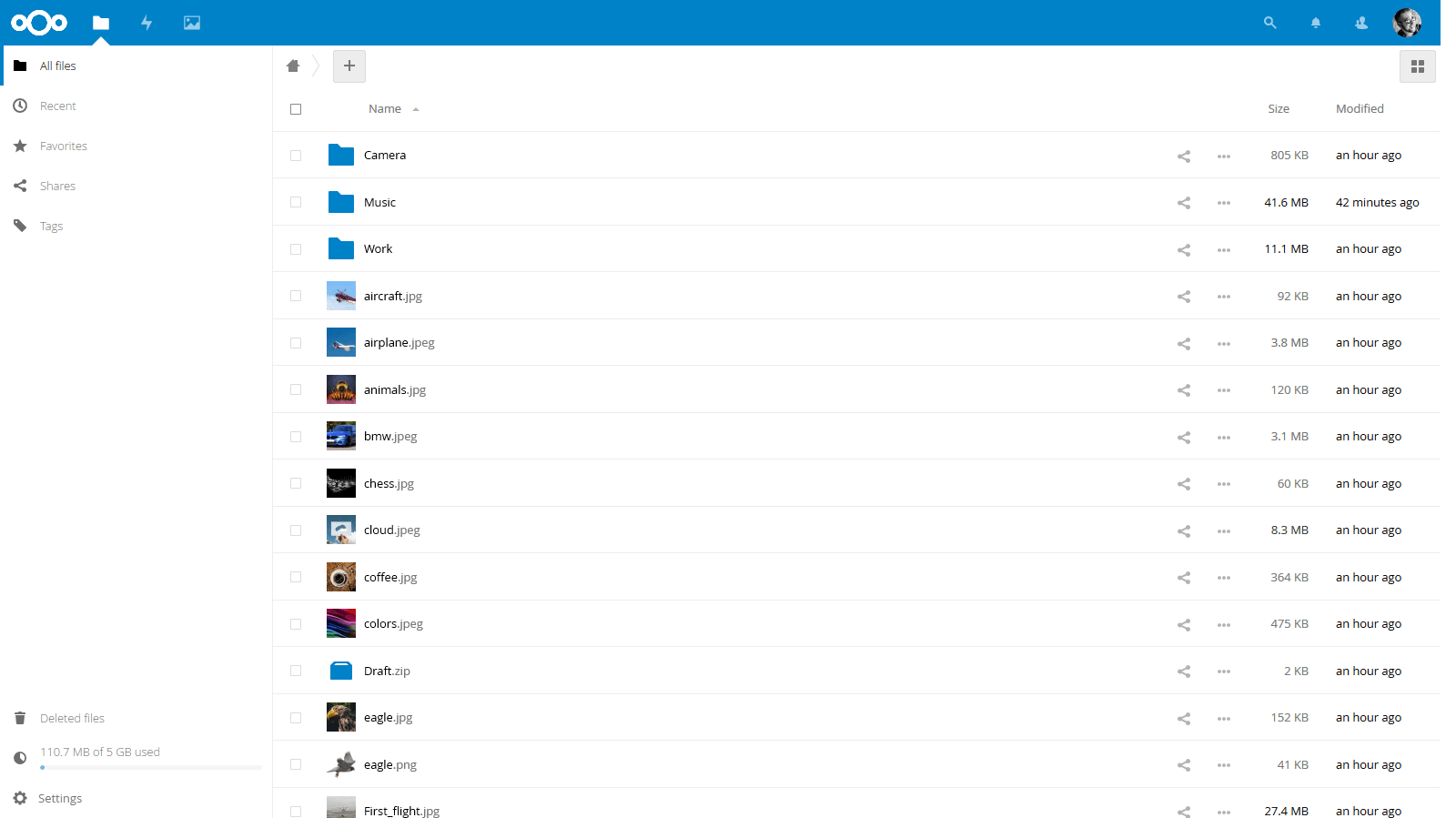
Demo
Documentation
- Official documentation: https://docs.nextcloud.com/server/20/user_manual/en/
- YunoHost documentation: https://github.com/YunoHost/doc/blob/master/app_nextcloud.md
Configuration
Configure OnlyOffice integration
Starting from Nextcloud 18, it features a direct integration of OnlyOffice (an online rich text document editor) through a Nextcloud app. To install and configure it:
- Install Community Document Server application in your Nextcloud. That's the part that runs OnlyOffice server.
- Install ONLYOFFICE application. That's the client part that will connect to an OnlyOffice server.
- Then in Settings -> ONLYOFFICE (
https://yourdomain.tld/nextcloud/settings/admin/onlyoffice), if you want to configure which file formats should be opened by OnlyOffice. - Here you go :) You should be able to create new type of documents and open them.
NB: OnlyOffice is only available for x86 architecture - ARM architecture is not supported (Raspberry Pi, OLinuXino...)
YunoHost specific features
In addition to Nextcloud core features, the following are made available with this package:
- Integrate with YunoHost users and SSO - i.e. logout button
- Allow one user to be the administrator (set at the installation)
- Allow multiple instances of this application
- Optionally access the user home folder from Nextcloud files (set at the installation, the sharing is enabled by default)
- Serve
/.well-knownpaths for CalDAV and CardDAV on the domain only if it's not already served - i.e. by Baïkal
Multi-users support
Supported architectures
- x86-64 -

- ARMv8-A -

Limitations
To integrate the logout button to the SSO, we have to patch Nextcloud sources. In waiting an upstream integration, the source code integrity checking has been disabled to prevent the warning message.
Also, note we made the choice to disable third-parties applications at the upgrade. It allows to prevent an unstable - and sometimes broken - Nextcloud installation. You will just have to manually activate them after the upgrade.
Finally, the following error message in Nextcloud logs can be safely ignored:
Following symlinks is not allowed ('/home/yunohost.multimedia/user/Share' -> '/home/yunohost.multimedia/share/' not inside '/home/yunohost.multimedia/user/')
Additionnal informations
occ command usage
If you need/want to use Nextcloud occ command¹, you need to be in /var/www/nextcloud/ folder (or /var/www/nextcloud__n/ depending on your instance number in case of multiple concurrent installations), then use sudo -u nextcloud php7.3 occ instead of occ (as an alternative, you can use /var/www/nextcloud/occ to run the command from another directory).
NB: You may need to adapt php7.3 to the PHP version that Nextcloud is using. Starting from Nextcloud 18, YunoHost uses php7.3, it used before php7.0.
¹ See https://docs.nextcloud.com/server/18/admin_manual/configuration_server/occ_command.html Use this only if you know what you're doing :)
Links
- Report a bug: https://github.com/YunoHost-Apps/nextcloud_ynh/issues
- Nextcloud website: https://nextcloud.com/
- Nextcloud repository: https://github.com/nextcloud/server
- YunoHost website: https://yunohost.org/
Developers infos
Please do your pull request to the testing branch.
To try the testing branch, please proceed like that.
sudo yunohost app install https://github.com/YunoHost-Apps/nextcloud_ynh/tree/testing --debug
or
sudo yunohost app upgrade nextcloud -u https://github.com/YunoHost-Apps/nextcloud_ynh/tree/testing --debug