
 yalh76
ea42d94a2a
yalh76
ea42d94a2a
|
6 years ago | |
|---|---|---|
| conf | 6 years ago | |
| scripts | 6 years ago | |
| .gitignore | 11 years ago | |
| CHANGELOG.md | 6 years ago | |
| LICENSE | 10 years ago | |
| README.md | 6 years ago | |
| README_fr.md | 6 years ago | |
| YEP.md | 9 years ago | |
| actions.toml | 6 years ago | |
| check_process | 6 years ago | |
| config_panel.toml | 6 years ago | |
| manifest.json | 6 years ago | |
| pull_request_template.md | 6 years ago | |
README.md
Wordpress for YunoHost




This package allow you to install wordpress quickly and simply on a YunoHost server.
If you don't have YunoHost, please see here to know how to install and enjoy it.
Overview
WordPress is open source software you can use to create a beautiful website, blog, or app.
With this package, you can even activate the multisite option.
Shipped version: 5.4
Screenshots
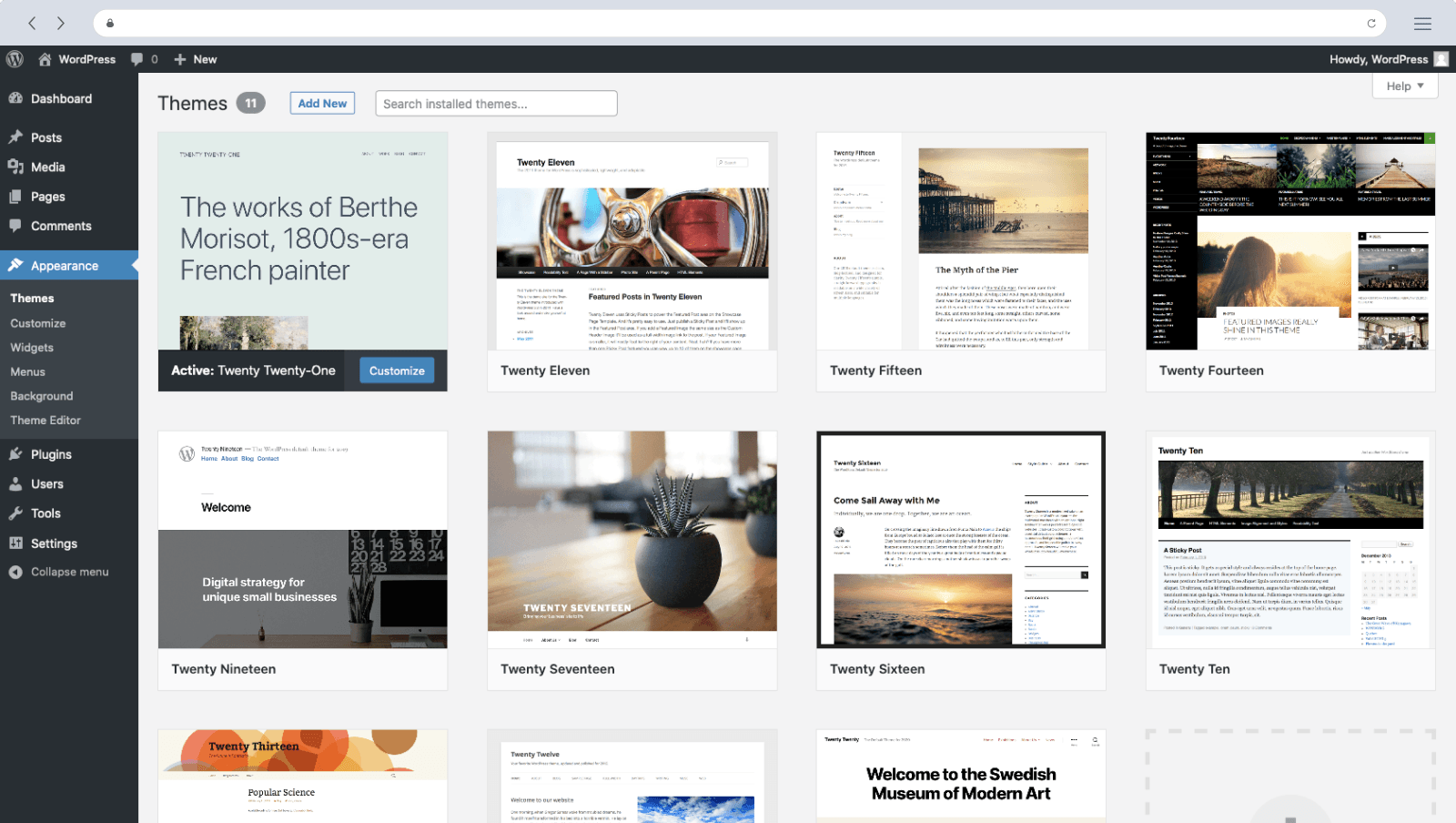
Configuration
Use the admin panel of your wordpress to configure this app.
Documentation
- Official documentation: https://codex.wordpress.org/
- YunoHost documentation: There no other documentations, feel free to contribute.
YunoHost specific features
- Integration with YunoHost users and SSO:
- private mode: Blog only accessible by YunoHost users
- public mode: Visible by anyone, YunoHost users automatically connected
- Automatic update of wordpress core, plugins and themes.
- Allow to set up a multisite instance.
Multi-users support
Supported, with LDAP and SSO.
Supported architectures
- x86-64b -

- ARMv8-A -

- Buster x86-64b -

Limitations
- Multisite only available on subdirectories.
- As the automatic update plugin isn't working as expected, pay attention to keep your wordpress up to date from the wordpress admin panel, and not only from yunohost admin panel. For security reason, you should control that all updates are regularly applied in wordpress admin panel as well as in yunohost admin panel.
Security
Please be aware that Wordpress is known for being frequently a source of security risks (https://en.wikipedia.org/wiki/WordPress#Vulnerabilities), and also as the most popular website management system it is a target for bots and attackers. Some vulnerabilities might let an attacker breach into your wordpress, or even your Yunohost server (via privilege escalation).
Don't forget to comply with good security principles (strong password, frequent updates, don't add unknow code in your theme/extensions…). In particular, please keep your wordpress as up-to-date as possible.
Furthermore, you might take a look at this guide: https://codex.wordpress.org/Hardening_WordPress. You might see some benefits in the use of wordpress security plugins.
Links
- Report a bug: https://github.com/YunoHost-Apps/wordpress_ynh/issues
- Wordpress website: https://wordpress.org/
- Wordpress repository: https://core.trac.wordpress.org/browser
https://build.trac.wordpress.org/browser - YunoHost website: https://yunohost.org/
Developers infos
Please do your pull request to the testing branch.
To try the testing branch, please proceed like that.
sudo yunohost app install https://github.com/YunoHost-Apps/wordpress_ynh/tree/testing --debug
or
sudo yunohost app upgrade wordpress -u https://github.com/YunoHost-Apps/wordpress_ynh/tree/testing --debug